Whole-site Restore for Framer
Put your whole Framer site back in one click.
A page deleted, a client overwrote a layout, an AI agent changed too much. Open an archive from before, pick one page or the whole site, and click Restore. Not what you wanted? Click Undo.
7 days free, then $12/month. Cancel any time before day 7 and you pay nothing.
Only need the CMS? Start free: weekly CMS backups for one site · no card. Whole-site backup and Restore start at Pro.
Three steps
- 1
Connect
Paste your project URL and a Framer Server API key. Nothing to install, and your canvas is not changed.
- 2
Save an archive
FrameVault saves the editable project (pages, components, styles, code files) and the CMS, on a weekly or daily schedule or on demand.
- 3
Click Restore
Open an archive from before the problem, pick one page or the whole site, and click Restore. It goes back into your Framer project, CMS included. Nothing goes live until you publish.
Restore and Undo
Tested on real projects, not mockups.
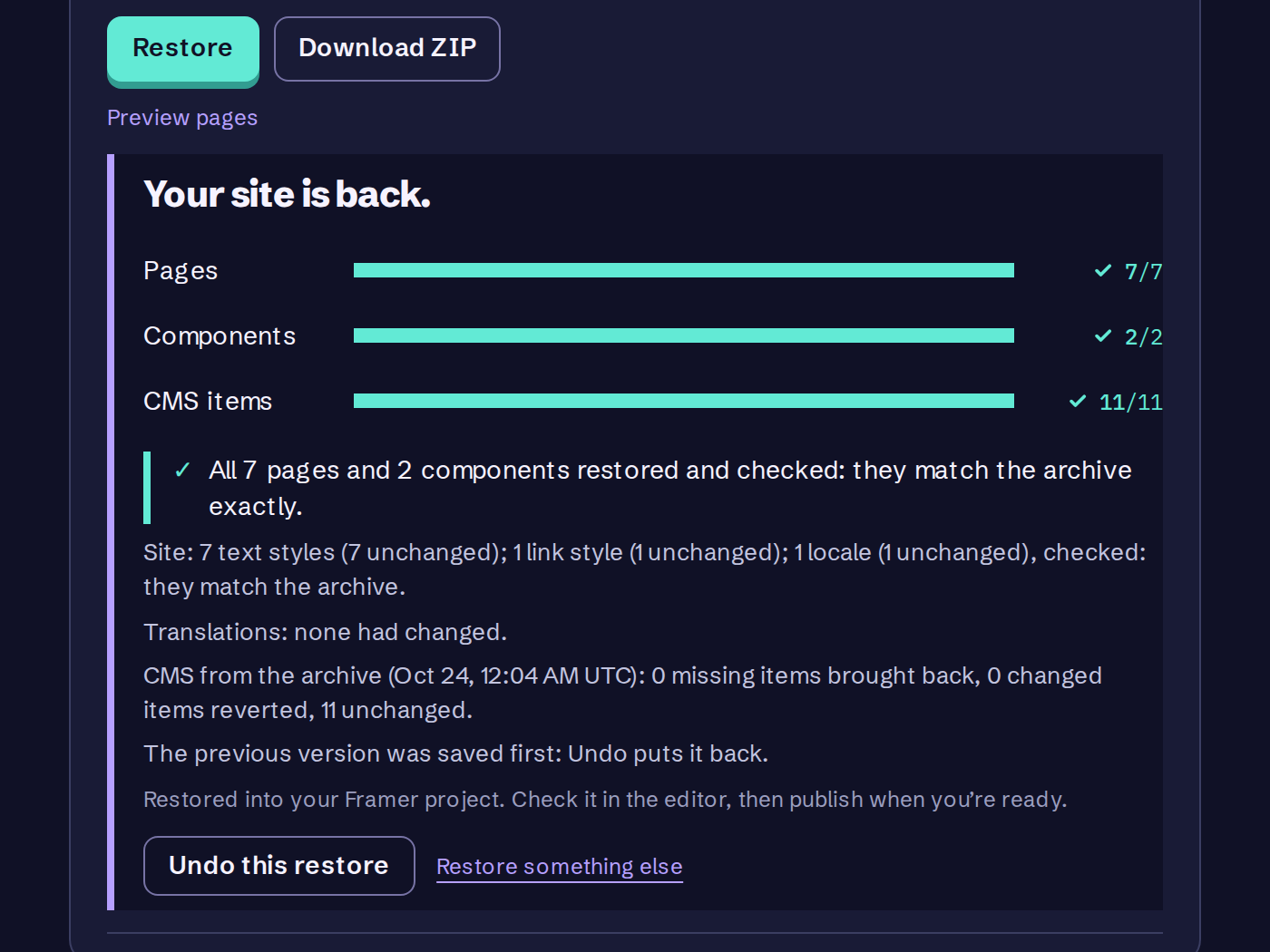
- We run restores against real Framer projects before each release: a small test site and a large one with 245 canvas pages. After a whole-site restore we compare the result with the archive.
- Undo is part of the restore. FrameVault saves the current version first, and Undo puts the project back as it was just before the restore. We tested Undo on the same projects.
- These are our own test projects. We do not publish customer numbers because we have no customer results to show yet.
What to know first
Framer does not let an app write Site Settings (custom code, domains, favicon and social image, forms, password), so each archive saves them in a text file to re-enter by hand. Uploaded custom fonts are a manual step too, and redirects come back only on Framer plans that include them. Check the result in the editor before you publish.
Framer keeps version history inside the project. See what it covers and what it does not.
Free: weekly CMS backups for one site · no card · Pro: whole-site backup and restore, 7 days free, then $12/mo